
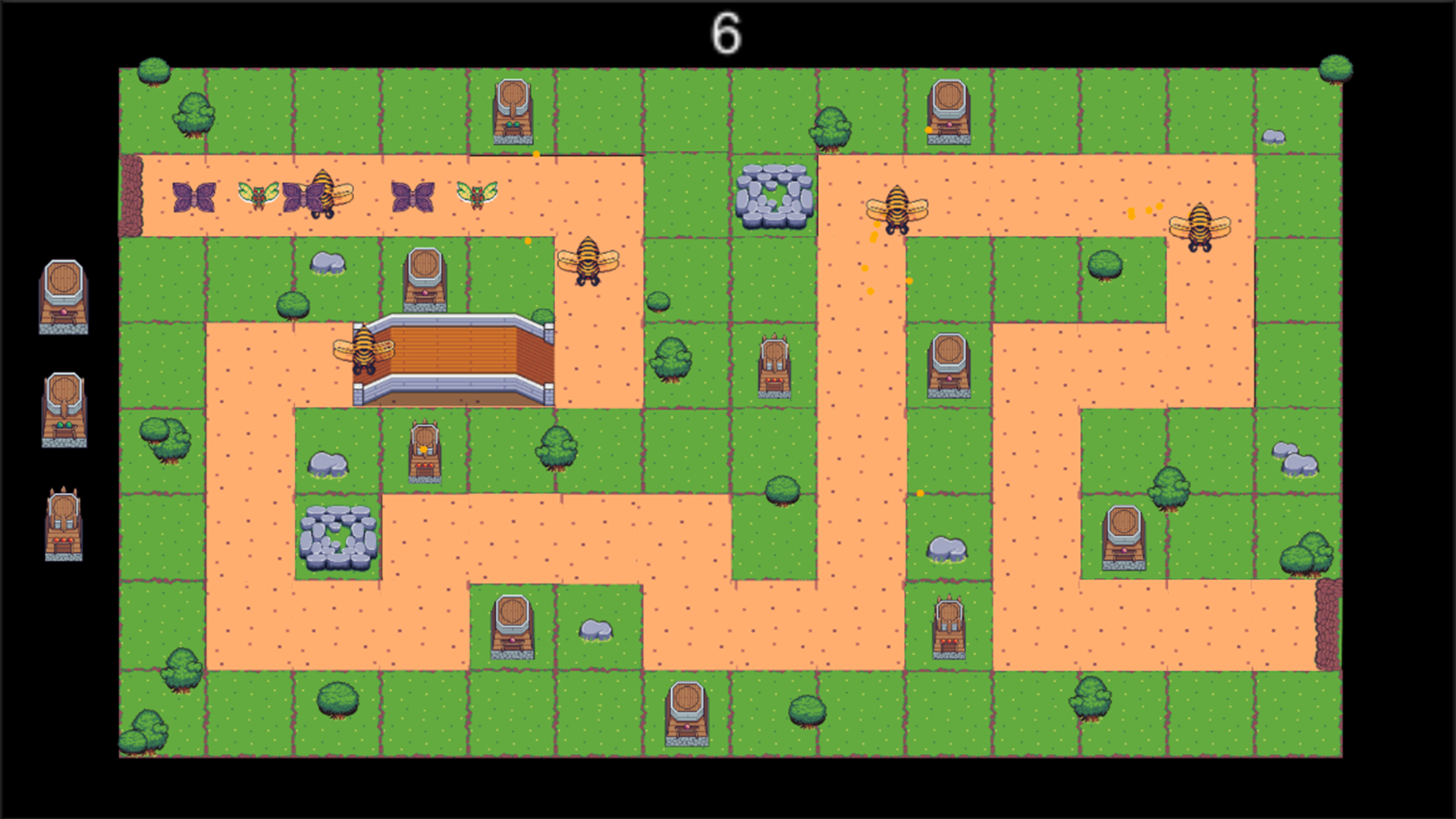

The game prototype was created by a team of 2: TsungHan Yang and Lance Mendoza.
For the primary game software engine we used “Unity” to show off a 2D level prototype we made.
Tower Defense Prototype Instructions
When opening the Unity Project Tower Defense the game starts in the Start menu.
Click on the “Click Here” to start the game.
Enemy’s will spawn in 10 second intervals continuously.
Place level 1, level 2 and level 3 towers on the green parches of land to eliminate the bugs infesting your land.
When towers are placed bullets will rain down from them eliminating the bugs.
The enemy bugs speed will differ from other bugs. Some may be faster while others are slower.
When the bugs have crossed the finished line the player loses the game.
The game will continuously get harder and harder until the player is overwhelmed even with the maximum amount of turrents.
When you have reached the restart level screen. Click on restart level to go back to the beggining page and replay the level.
Link to download the game: https://drive.google.com/file/d/1Nc4nxGIrlqIjCCtx64a1F8LGDdhnXGE1/view?usp=share_link
Instructions to run the game:
1. Please download the zip file itself, then run the Unity.exe within the file.
2. All the files are needed to run the game.
 L. Mendoza
